
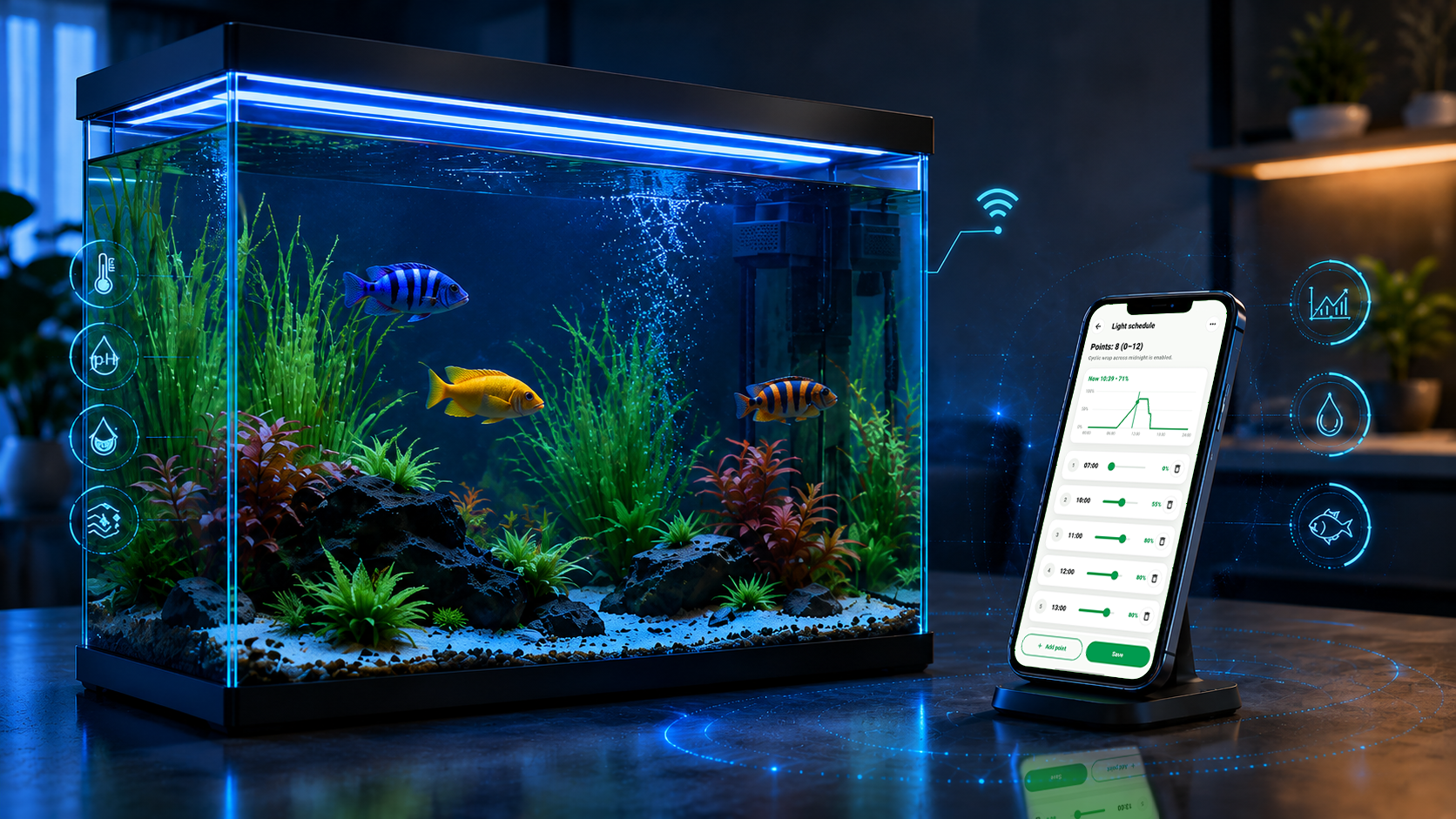
Care feels Clearer. Calmer. Better connected.
Stay closer to your living world with One System, Simplicity and Reassurance
Why AquaMaestro?
One App - Fully Care
Why choose AquaMaestro? Every aquarium starts from a different reason. But they all share the care for a small living world inside glasses.
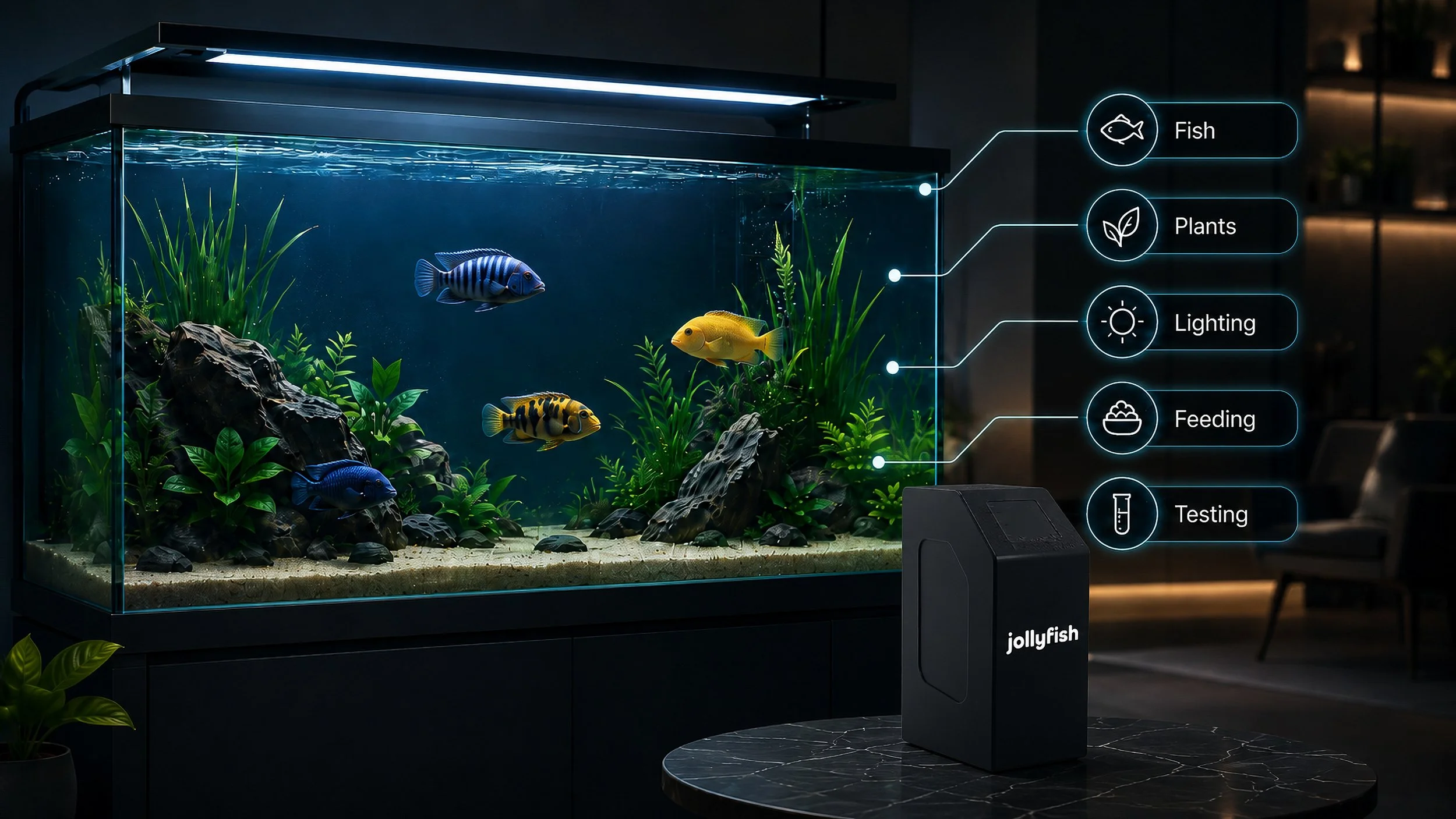
Jollyfish AquaMaestro helps you care from one app, with a clearer upgrade plan, better routine control and guidance that considers the fish, creatures and plants in the tank together.
Control From Anywhere

Automated Water Testing
Flexible Modular Expansion
Species & Plant Guidance
We make technology useful to the CARE you already give for little life inside your tanks.
Our Story
“Jollyfish brings supported technology, guidance and human support together around the keeper.”
“We help everyday care feels clearer, calmer and better connected.”
“We present emotionally warm enough to understand why you care for your tanks.”
“We have technical credibility enough to support real decisions.”
“We manage connected enough to make everyday care feel clearer instead of complexity.”
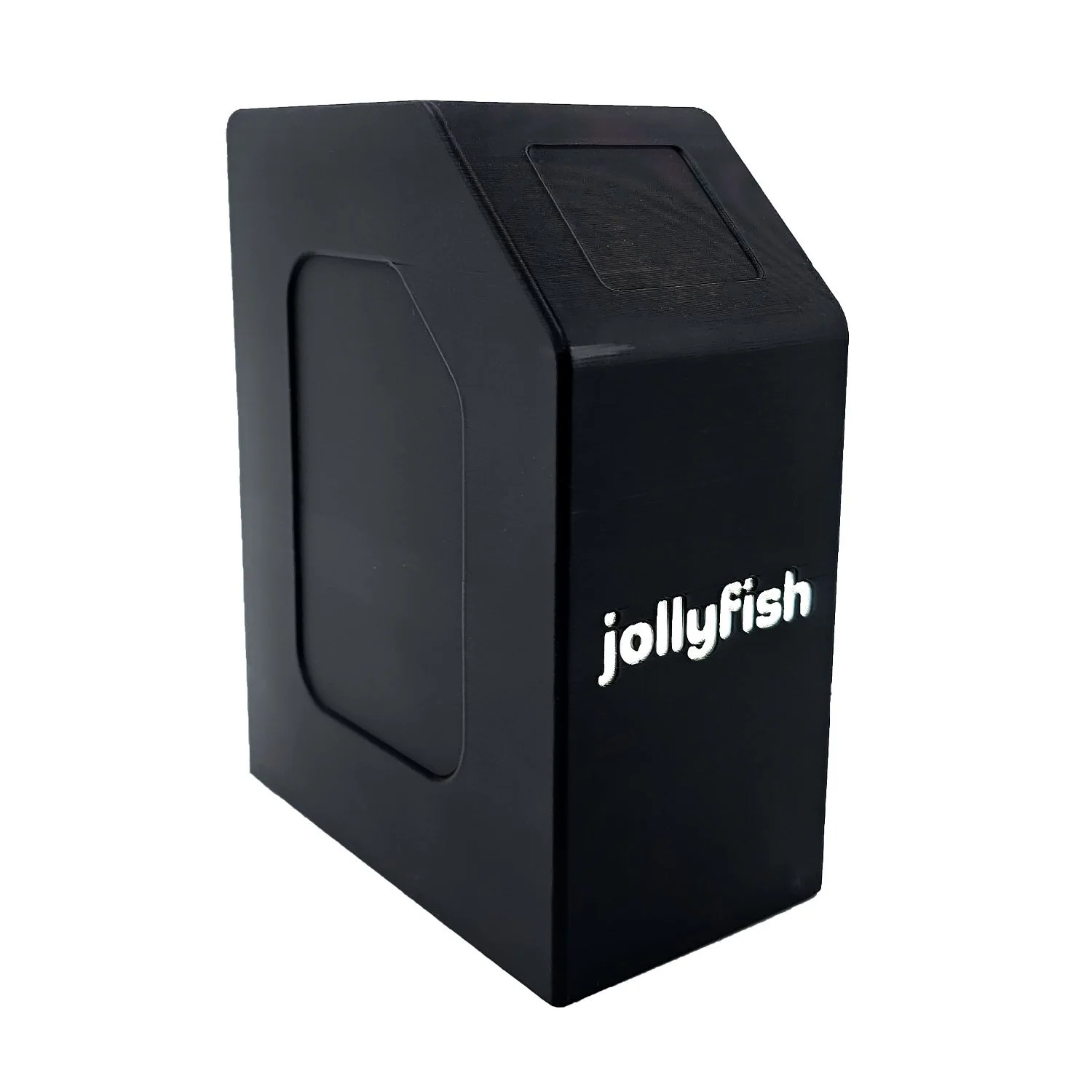
Smart aquarium control for simpler everyday routines.
Jollyfish AquaMaestro LITE is an entry-level smart aquarium controller designed for simple freshwater and planted aquariums that need clearer everyday control.
From the AquaMaestro app, LITE helps you manage heating and lighting schedules, making consistent day and night routines easier than relying on separate basic plug timers.
Species & Plant Guidance can use selected fish, aquatic creature and plant profiles, configured schedules and user-entered readings to provide suggested target ranges and helpful prompts for review. AquaMaestro LITE is a simple first step into smarter aquarium control - focused on the everyday tasks, with the keeper always in control.
Simple to start. Clear to use. Built around the aquarium care you already give!
Upcoming Launch
Upcoming Launch
AquaMaestro Lite is the entry-level controller in the range, designed for aquarium keepers who want simple app-based control of heating and lighting schedules without moving into advanced hardware automation.
One app for aquarium control
Schedules in one place; Alerts and modes; Guidance and review
The AquaMaestro app gives you one connected view of schedules, alerts, manual control and guidance. Review routines more clearly, trigger supported modes such as maintenance or feed mode, and see how your aquarium settings relate to the fish, creatures and plants you keep. As connected features expand, the app becomes the centre of the AquaMaestro experience.
Jollyfish on Social Now!



Need Help? We’re Here for You
Have a question or need support? Fill in the form below and our team will get back to you as soon as possible.