
How AquaMaestro Works
One clearer system around the aquarium routines you already manage.
| Section | Customer-facing copy | Role |
|---|---|---|
| 1. CONTROLLER | The AquaMaestro controller is the hardware layer that manages supported equipment and routines according to the capability of the model. | Physical control |
| 2. APP | The AquaMaestro App is where you configure supported schedules, review available information and interact with guidance. | Control + visibility |
| 3. DATA | Information can come from configured schedules, user-entered readings, temperature sensors, compatible probes, automatic testing and connected module data where supported. | Context |
| 4. GUIDANCE | Species & Plant Guidance can compare available information with selected fish, creature and plant profiles to provide feedback and suggested actions for review. | Understanding |
| 5. MODULES | Optional compatible modules can add testing, feeding, dosing, CO2 control or probe monitoring as your setup grows. | Expansion |
How does AquaMaestro work?
Let’s go step-by-step!
-
AquaMaestro is designed as a scalable range rather than one controller that tries to do everything.
Lite is the simple starting point for app-based heating and lighting schedules.
Plus is designed for more flexible routines and selected expansion.
Pro is designed for broader automation, richer monitoring and the widest module support where confirmed.
The goal is not to start with the most complex controller. It is to start with the level of control that solves a real problem in your aquarium.
Learn more about our Lite | Plus | Pro
-
Once the appropriate controller and compatible equipment are in place, the AquaMaestro App becomes the main place to configure supported routines.
Set heating and lighting schedules where supported.
Use manual override where available.
Configure feed or maintenance modes where supported.
Add more. schedules or equipment control as the chosen controller allows.
Schedules are user-configured. AquaMaestro should not be presented as making every control decision automatically.
-
AquaMaestro can give the keeper better visibility of the aquarium
Manual information: User-entered water test results, observations and selected livestock or plant profiles where supported.
Configured routines: Heating, lighting, feeding, dosing and CO2 schedules where those functions are available.
Sensors & probes: Temperature and other compatible probe readings where supported.
Automatic testing: Selected water parameter results from a compatible AutoAssay Module where supported.
Module status: Information from connected modules, alerts and data history where supported.
-
Raw information is useful, but context is what helps a keeper decide what to review next.
Species & Plant Guidance allows the user to select fish, shrimp, snails, corals or other aquatic creatures, and aquatic plants where profiles are available. Depending on the software and data available, the app can compare those profiles with aquarium information and provide:
suggested target ranges
parameter feedback
possible range-conflict warnings where supported
prompts to enter or re-test a reading
suggestions to review heating, lighting, feeding, nutrient or CO2 routines where supported
suggested actions for the keeper to review
For sensitive actions such as plant nutrient dosing, CO2 or lighting changes, the user should remain in control. Recommendations should be reviewed before changes are applied, and hardware actions should only be described where the relevant controller, module and approval flow are confirmed.
-
AquaMaestro extension modules are designed to add one clear capability to a compatible system:
AutoAssay Module: Adds automatic testing of selected supported water parameters and can provide richer parameter feedback where supported.
Auto Feeder Module: Adds scheduled feeding and can support feeding-routine review where supported.
AutoLiquidDoser Module: Adds scheduled liquid dosing, including plant nutrient routines where supported.
CO2 Doser Module: Adds CO2 scheduling and can support user-reviewed CO2 routine adjustments where supported.
Probes Module: Adds compatible probe-based monitoring and can feed live readings into Species & Plant Guidance where supported.
Compatibility matters. A module should never be presented as universally supported across every controller or third-party device.
3 EXAMPLES - How the platform scales
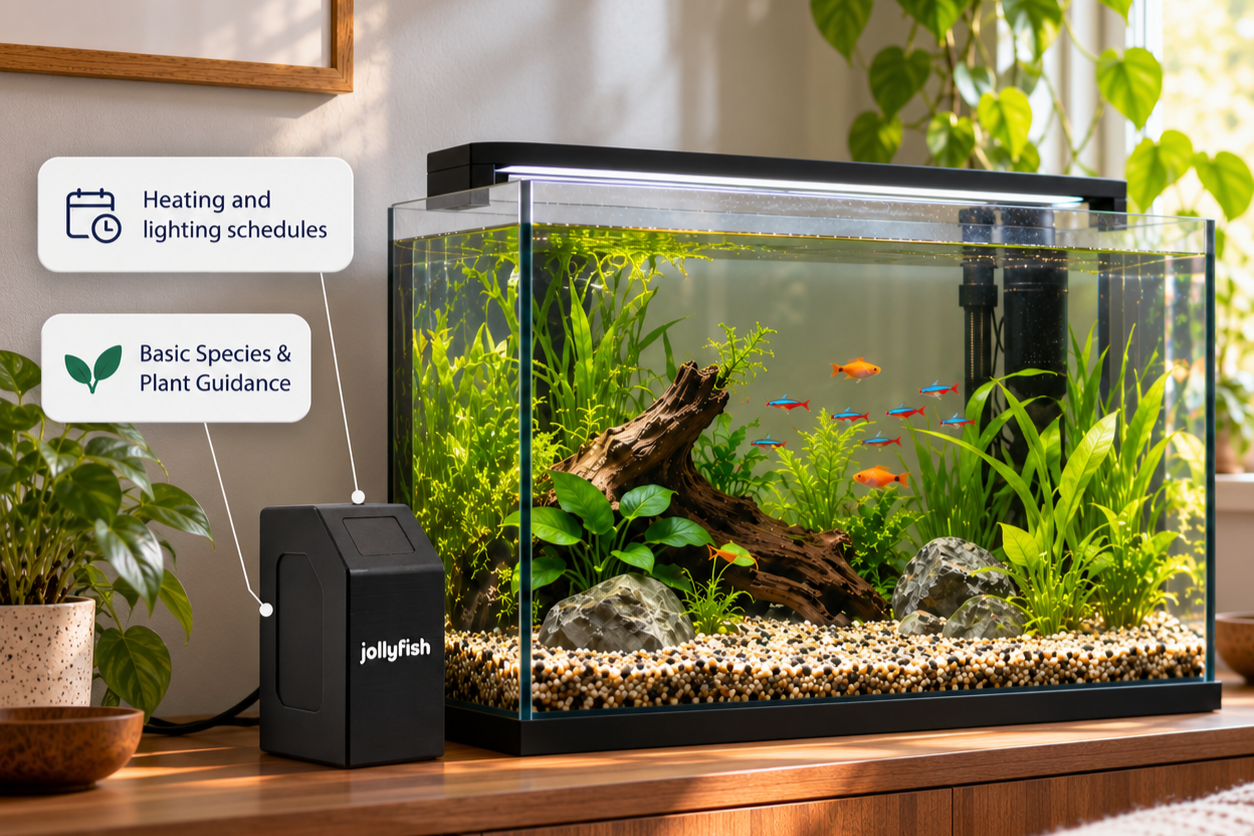
Simple freshwater setup
Use Lite for heating and lighting schedules, then use basic Species & Plant Guidance with selected profiles, configured routines and user-entered readings where supported.
No implication of automatic testing, dosing, CO2 control or probe monitoring on Lite unless specifically confirmed.
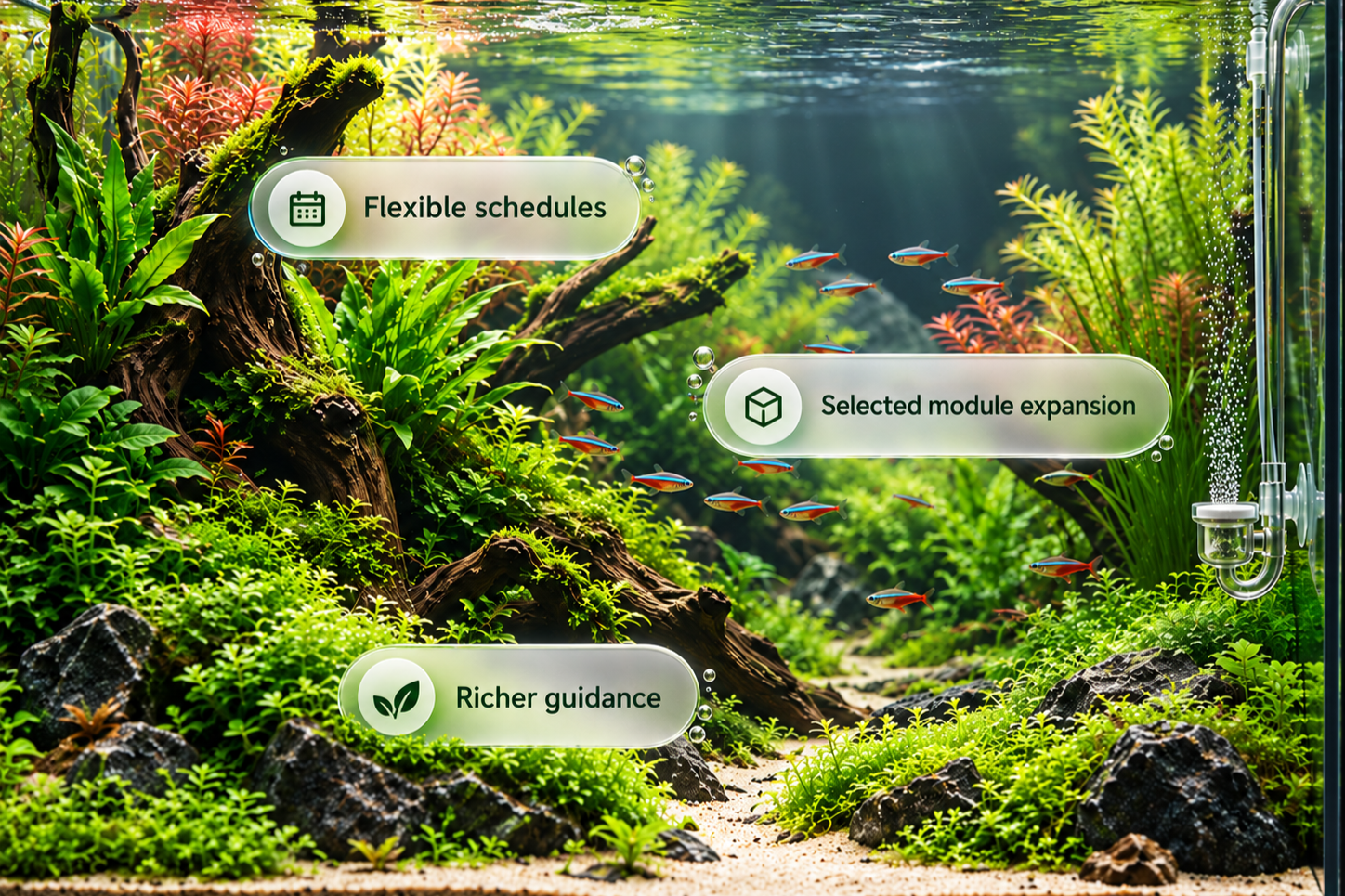
Growing planted setup
Use Plus where more flexible schedules and selected module expansion are useful, with richer guidance from additional supported data sources.
Exact module support must be confirmed for Plus.
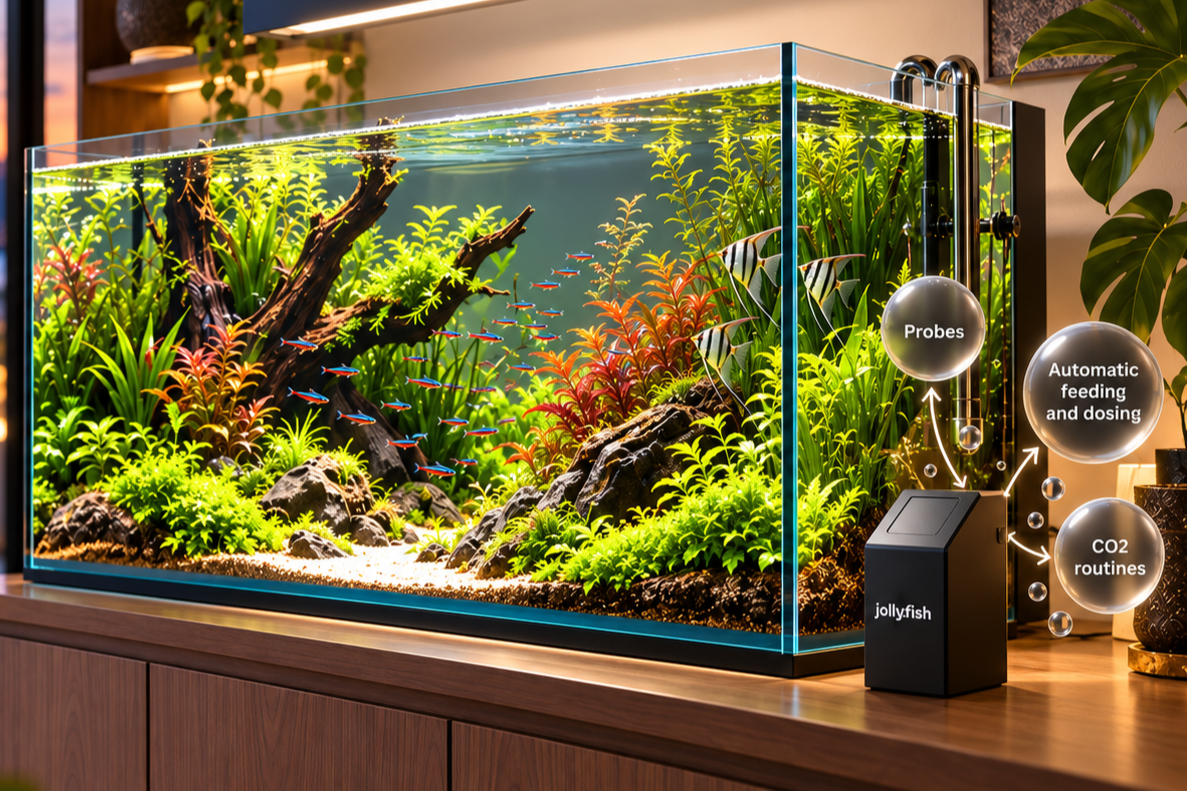
Advanced connected setup
Use Pro where broader automation, compatible probes, automatic testing, feeding, dosing, CO2 routines and richer guidance are required.
All advanced functions depend on confirmed hardware, modules and software features.
“The keeper stays in control”
The best use of automation is not to disconnect from the aquarium. It is to make the routines around it clearer, more consistent and easier to manage.