
AquaMaestro Controller Range
More clarity. More control. More confidence in your care.

What is the difference between AquaMaestro Lite, Plus and Pro?
AquaMaestro Lite is the simple starting point for app-based heating and lighting schedules. AquaMaestro Plus is the mid-range controller for more flexible routines and selected expansion. AquaMaestro Pro is the most advanced controller, designed for broader automation, module support and richer aquarium feedback where supported. The right choice depends on how much control, monitoring and future expansion your aquarium actually needs.
AquaMaestro is designed as a scalable controller range rather than a single product that tries to do everything. We understand that not every aquarium needs advanced automation on day one.
You can start with a simpler controller for the routines that matter now, then move toward more flexible control, monitoring or module-based automation as the aquarium - and your needs - become more complex.
Across the range, the principle stays the same: technology should make care clearer and easier to manage, while the keeper remains responsible for the aquarium.
Built to grow with the aquarium
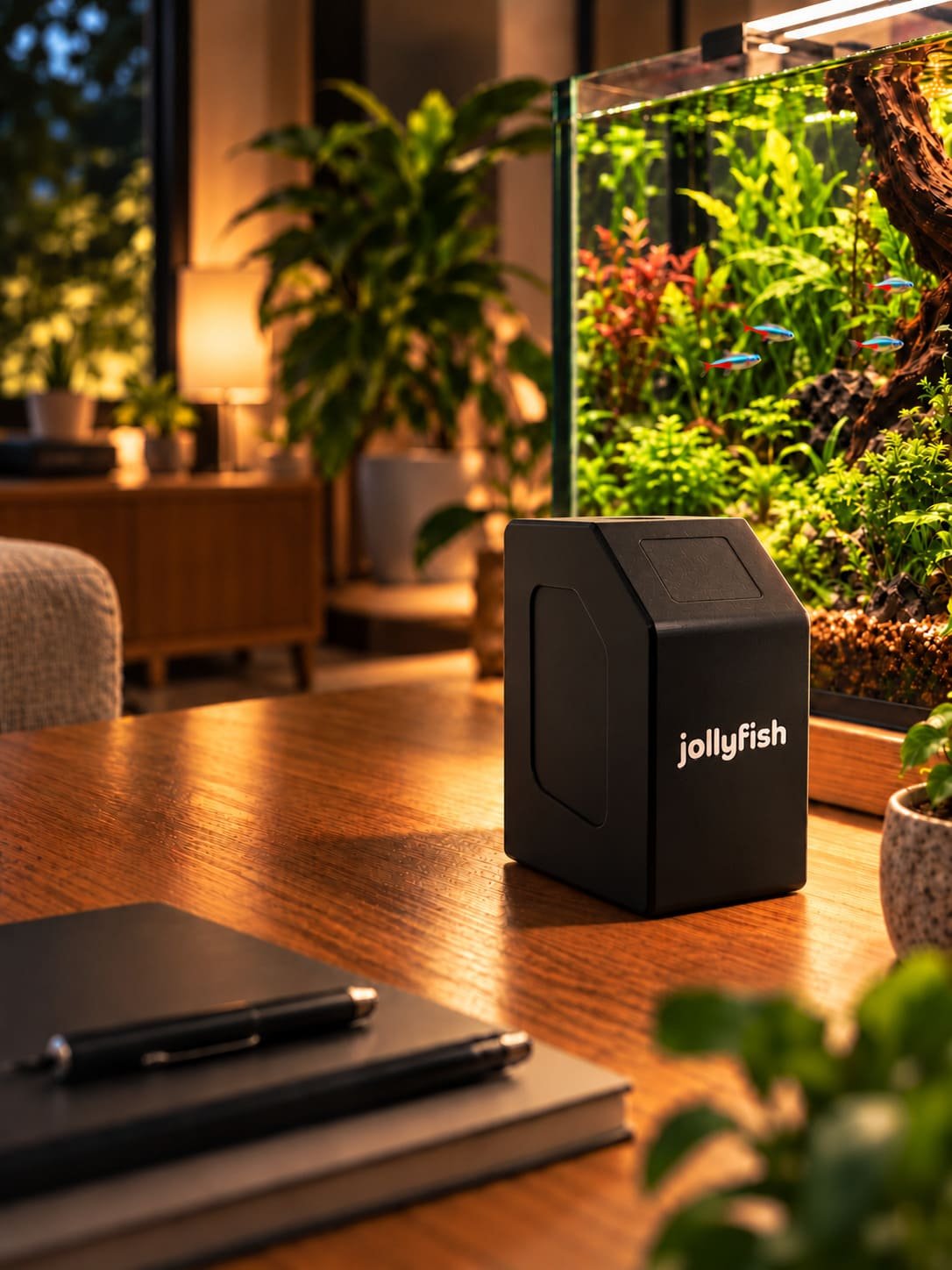
AquaMaestro Lite
Simple control without unnecessary complexity.
Best for:
beginner aquarium keepers
simple freshwater aquariums
people replacing basic plug timers
aquariums that need consistent day/night routines
keepers who want app-based guidance without advanced hardware automation
simple planted aquariums where guidance is more useful than automated dosing
Where supported, Lite can also use Species & Plant Guidance with selected fish, creature and plant profiles, configured schedules and user-entered readings to provide target-range guidance and prompts for review.
What Lite is not designed to be:
Lite should not be presented as an automatic water-testing, dosing, CO2, autofeeding, probe-monitoring or advanced reef-automation controller unless those capabilities are explicitly confirmed for the product.
AquaMaestro Plus
More flexibility, with room to expand.
Best for:
growing aquarium setups
planted tanks
keepers who want more than basic heating and lighting schedules
users who may want selected module-based expansion
keepers who want more flexible aquarium routines
users who want richer feedback based on livestock, plants and the aquarium data available to the setup
Where supported, Plus can combine Species & Plant Guidance with additional schedules, alerts and compatible module data to make aquarium information more useful in context.
Because exact module support is product-specific, the public website should show compatibility clearly rather than imply that every AquaMaestro module works with Plus.
AquaMaestro Pro
The most advanced route through the AquaMaestro platform.
Best for:
advanced aquarium keepers
planted tanks with more complex nutrient or CO2 routines where supported
multi-device aquarium setups
keepers who want the most expandable AquaMaestro controller
users who want richer feedback built from selected livestock and plant profiles plus available live or scheduled aquarium data
users who want user-reviewed nutrient, CO2 and lighting actions where supported
With compatible modules, Pro can combine Species & Plant Guidance with probe readings, automatic water testing, dosing routines, feeding schedules, lighting schedules and equipment control to provide more relevant feedback for the aquarium being kept.
Feature availability still depends on confirmed controller compatibility, connected modules, accessories, software tier and final product specifications.
|
|
|
|
|
| Decision factor | Lite | Plus | Pro |
|---|---|---|---|
| Position in range | Entry-level / simple starting point | Mid-range / more flexible | Most advanced / broadest expansion |
| Best for | Beginners, simple freshwater tanks, timer replacement, consistent day/night routines | Growing setups, planted tanks, users wanting more flexible routines and selected expansion | Advanced keepers, multi-device setups, planted tanks with broader monitoring or automation needs |
| Core control | App-based heating and lighting schedules | More flexible scheduling and routines than Lite | Advanced routines and broader equipment control |
| Species & Plant Guidance | Basic guidance using selected profiles, configured schedules and user-entered readings where supported | Enhanced guidance using selected profiles plus additional schedules, alerts and compatible module data where supported | Most complete guidance experience, potentially combining profiles with probes, AutoAssay results, dosing, feeding and lighting data where supported |
| Expansion | Keep it simple; not positioned for advanced hardware automation | Selected module expansion where compatibility is confirmed | Widest module support and advanced automation where confirmed |
| Monitoring / testing / dosing / feeding | Do not assume these advanced functions are included | Selected functions only where controller/module compatibility is confirmed | Can support compatible probes, automatic testing, dosing, feeding, CO2 and wider automation where supported |
| Right choice when… | You want clearer everyday control without unnecessary complexity | You expect the aquarium to grow and want more flexibility | You already need a wider connected system or advanced automation |
Compare AquaMaestro Lite, Plus and Pro
CHOOSE LITE when the main job is making heating and lighting routines simpler and more consistent.
CHOOSE PLUS when you want more flexibility now and selected expansion may become useful later.
CHOOSE PRO when the setup already needs broader monitoring, automation or the widest route for compatible modules.
Choosing Lite - Plus - Pro?
“One platform. Three levels of control.”
The best starting point is the one that solves a real need without adding complexity you do not use.